Discover the tools, templates, and tech that make marketing faster, smarter, and more measurable. From free AI helpers to automation platforms and ROI frameworks — use the right stack to save time, scale results, and prove what works.
what is marketing tool & resources ?
Why is it Important Marketing Tool & Resources (Now & in the Future)?
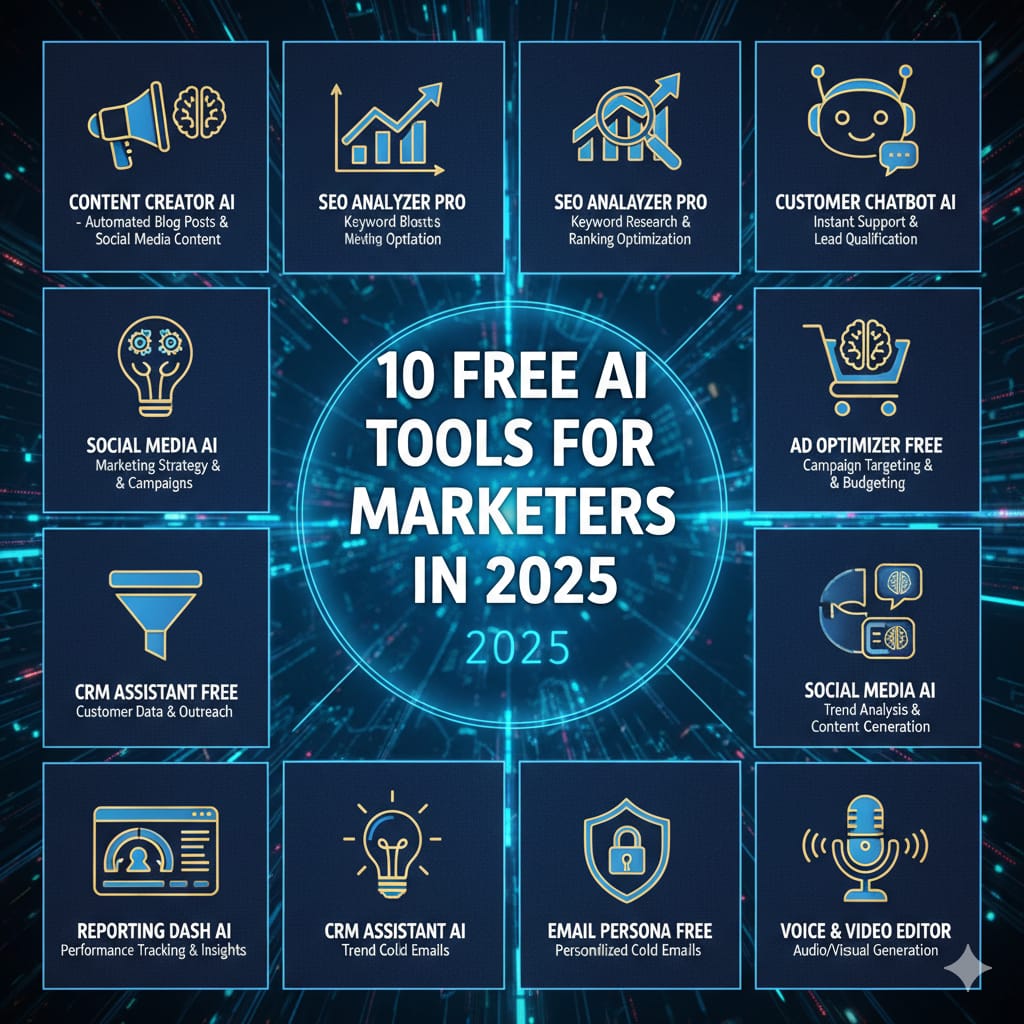
10 Free AI Tools for Marketers in 2025.
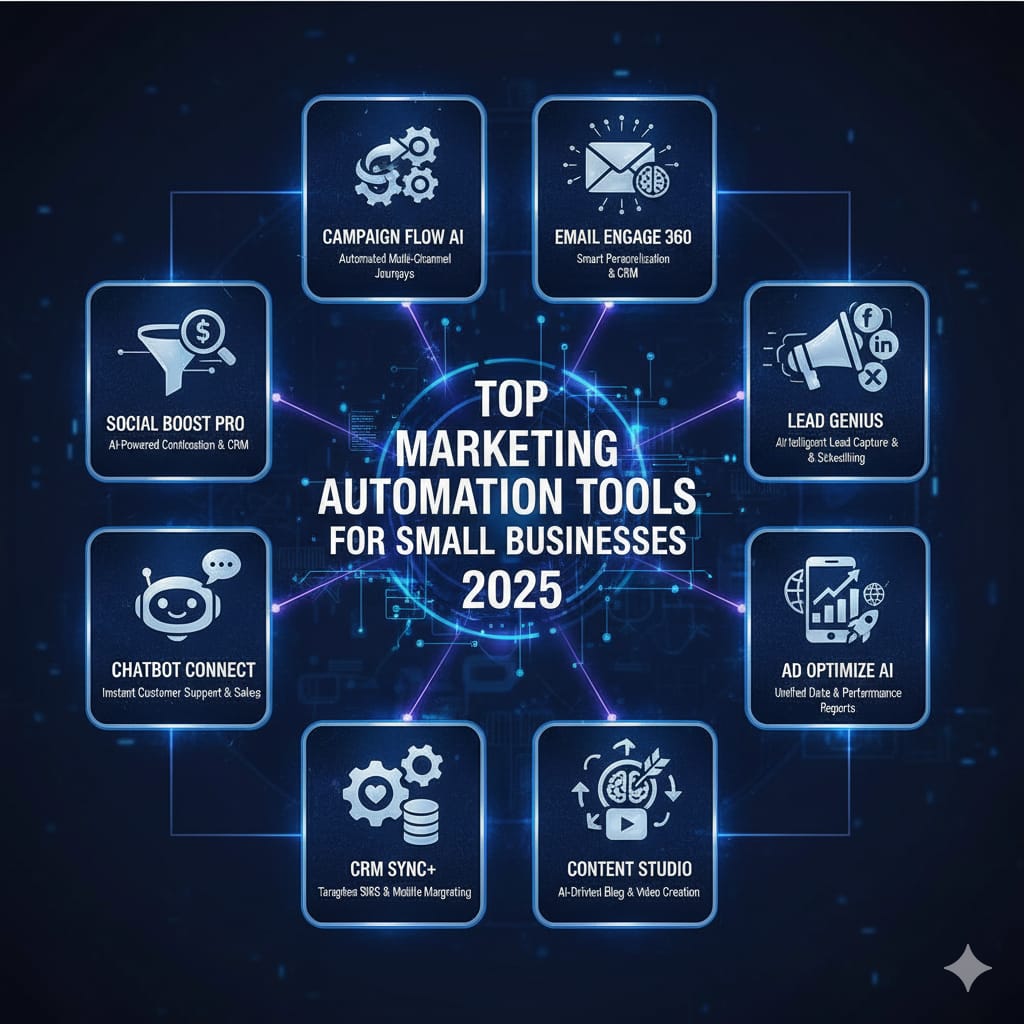
Top Marketing Automation Tools for Small Businesses.
How to Track ROI in Your Marketing Campaigns.
Marketing tools and resources help brands manage, automate, and analyze campaigns with ease. From AI tools to analytics platforms, they simplify marketing tasks and boost performance in less time.
What is Marketing Tools & Resources?
Marketing tools and resources are the software, platforms, templates, and digital assets that help businesses plan, execute, and measure their marketing strategies effectively.
They include everything from AI-powered content generators, social media schedulers, SEO analyzers, CRM systems, automation software, analytics dashboards, and design tools — all designed to make marketing faster, smarter, and more data-driven.
These tools allow marketers to:
Research audiences and competitors
Create and design high-quality campaigns
Schedule and automate marketing tasks
Track performance and ROI
Manage customer relationships efficiently
In short, marketing tools and resources are the backbone of modern marketing operations, helping brands stay consistent and competitive in a digital-first world.
Why is it Important Marketing Tool & Resources (Now & in the Future)?
Marketing tools and resources are crucial because the marketing landscape is constantly evolving — and so is consumer behavior.
Here’s why they matter more than ever:
Efficiency and Time-Saving
Automation tools reduce repetitive work, allowing marketers to focus on creativity and strategy.Data-Driven Decisions
Analytics tools help track results in real-time and measure what works, ensuring better ROI and smarter spending.AI and Personalization
Modern tools use AI to personalize campaigns for different audiences — increasing engagement and conversions.Scalability for Businesses
Small businesses can compete with large brands using affordable, easy-to-use tools.Future Growth and Innovation
In the future, marketing will rely heavily on AI, automation, and analytics. Having the right tools now prepares businesses for the next wave of digital transformation.
Case Context
AI is now essential for content, design, video, SEO research, and automation. Small teams and solo marketers can use free or freemium AI tools to produce high-quality content faster and test ideas with low cost.
Who this is for
Solo marketers, small agencies, content creators, social managers, founders on lean budgets.
10 Free / Freemium AI Tools & How to Use Them (Practical)
Each entry: short tool note + an example use.
ChatGPT / Google Gemini (free tier)
Use: Ideation, content outlines, captions, email drafts.
Example: Generate a 7-day content calendar for a product launch.
Canva (Free + Magic Tools)
Use: Design graphics, social templates, simple video edits.
Example: Create a branded Reel thumbnail + post graphic in minutes.
Pictory / Lumen5 (free tier options)
Use: Convert blog text into short videos automatically.
Example: Turn a 1,500-word blog into three 30-second social clips.
Copy.ai / Rytr (freemium)
Use: Headline and short ad copy variations.
Example: Produce 10 ad headlines for a Google Ads test.
Remove.bg (free credits)
Use: Quick background removal for product photos.
Example: Create consistent ecommerce mockups for carousel ads.
AnswerThePublic (limited free)
Use: Keyword-question research to build FAQs or content topics.
Example: Find 20 user questions around “meal prep” for blog subheads.
Ubersuggest / Keywords Everywhere (free features)
Use: Quick keyword ideas, search intent checks.
Example: Identify 5 long-tail keywords with low difficulty for a blog.
Grammarly (free)
Use: Proofreading, tone suggestions, clarity improvements.
Example: Polish email sequences to increase open-to-click rates.
Google Analytics 4 (free)
Use: Measure traffic, conversions, event tracking.
Example: Set up conversion events for newsletter signups and product purchases.
Hootsuite / Buffer (free plans)
Use: Schedule social posts and get basic performance reports.
Example: Batch-schedule a month of content and monitor best posting times.
Quick Workflow (Combine tools)
Brainstorm topics with ChatGPT.
Validate search intent with AnswerThePublic + Ubersuggest.
Draft content in ChatGPT / Copy.ai, edit in Grammarly.
Design visuals in Canva, clean images in Remove.bg.
Convert long posts to short videos with Pictory.
Schedule using Buffer, track outcomes in GA4.
Best Practices & Cautions
Always human-edit AI outputs for brand voice and factual accuracy.
Respect copyright & licensing for AI-generated images/music.
Use AI to speed tasks, not replace strategy or final creative judgement.
Conclusion
Free AI tools dramatically lower the time and cost of content production. Use a small, repeatable stack and human polish to scale quality output quickly.
Case Context
Automation allows small teams to nurture leads, reduce manual tasks, and keep prospects moving through the funnel — without hiring dozens of people. The right stack streamlines capture → nurture → convert.
Who this is for
Small business owners, founders, solo marketers, local service providers, and early-stage startups.
Recommended Tools & Use-Cases (start small)
Core stack idea: Capture → Nurture → Book → Analyze.
HubSpot Free CRM — CRM & contact tracking
Use: Central contact database, sequence emails, track deals.
Why: Scales with you; free CRM features are strong.
MailerLite / Mailchimp (free tiers) — Email & landing pages
Use: Email automation, segmentation, simple landing pages.
Why: Easy to set up welcome sequences and abandoned-cart flows.
ActiveCampaign (starter plan) — Advanced automations
Use: Conditional workflows, tagging, behavior-based funnels.
Why: Best when you need personalization based on actions.
Zapier (free plan) — App integrations & glue logic
Use: Connect web forms → Google Sheets → CRM and Slack alerts.
Why: Automates otherwise manual handoffs.
ManyChat (free tier) — Messenger/WhatsApp bots
Use: Lead qualification via chat, automated follow-ups.
Why: Great for quick conversion flows and local businesses.
Calendly (free) — Scheduling & meeting automations
Use: Auto-book consultations and trigger follow-up sequences.
Why: Removes scheduling friction and syncs calendars.
Leadpages / Carrd — Fast landing pages (low cost)
Use: Ads → landing page → form capture.
Why: Quick conversions without dev time.
Google Sheets + Apps Script — Custom lightweight automations
Use: Simple lead scoring, CSV exports, reports.
Why: Low-cost customization if no budget for heavy tools.
Trello / Asana (automation rules) — Project & content workflow automation
Use: Auto-move cards, reminders, content approvals.
Why: Keeps small teams organized.
Looker Studio (Google Data Studio) — Dashboards (free)
Use: Pull GA4, Ads data into a visual dashboard for stakeholders.
Why: Centralized reporting for quick decisions.
Step-by-Step Implementation (for a small business)
Map the customer journey (where do leads come from? ads? organic?).
Pick the core CRM (HubSpot Free or MailerLite) to store contacts.
Create capture points: landing pages, web forms, WhatsApp chat.
Build a 3–7 step nurture sequence (welcome → value → social proof → offer).
Use Zapier to connect tools if direct integrations are missing.
Automate booking with Calendly + auto-confirm emails.
Report weekly: open rates, conversion rate, CAC.
Example Automation Flow (e-commerce)
Visitor clicks ad → lands on Leadpages page → submits email → added to MailerLite and tagged “AdCampaignX” → MailerLite triggers welcome email + coupon → if coupon used, tag as “Purchaser” in HubSpot → send post-purchase nurture and request review.
KPIs to Monitor
Email open & click-through rates
Conversion rate (lead → customer)
CAC (cost per acquisition) across channels
Lead velocity (how fast leads move through funnel)
Time saved on manual tasks
Conclusion
Start with a minimal, integrated stack: CRM + email + scheduler + Zapier. Automate repetitive touchpoints first (welcome emails, booking confirmations, lead routing) and add sophistication (behavioral triggers) as you scale.
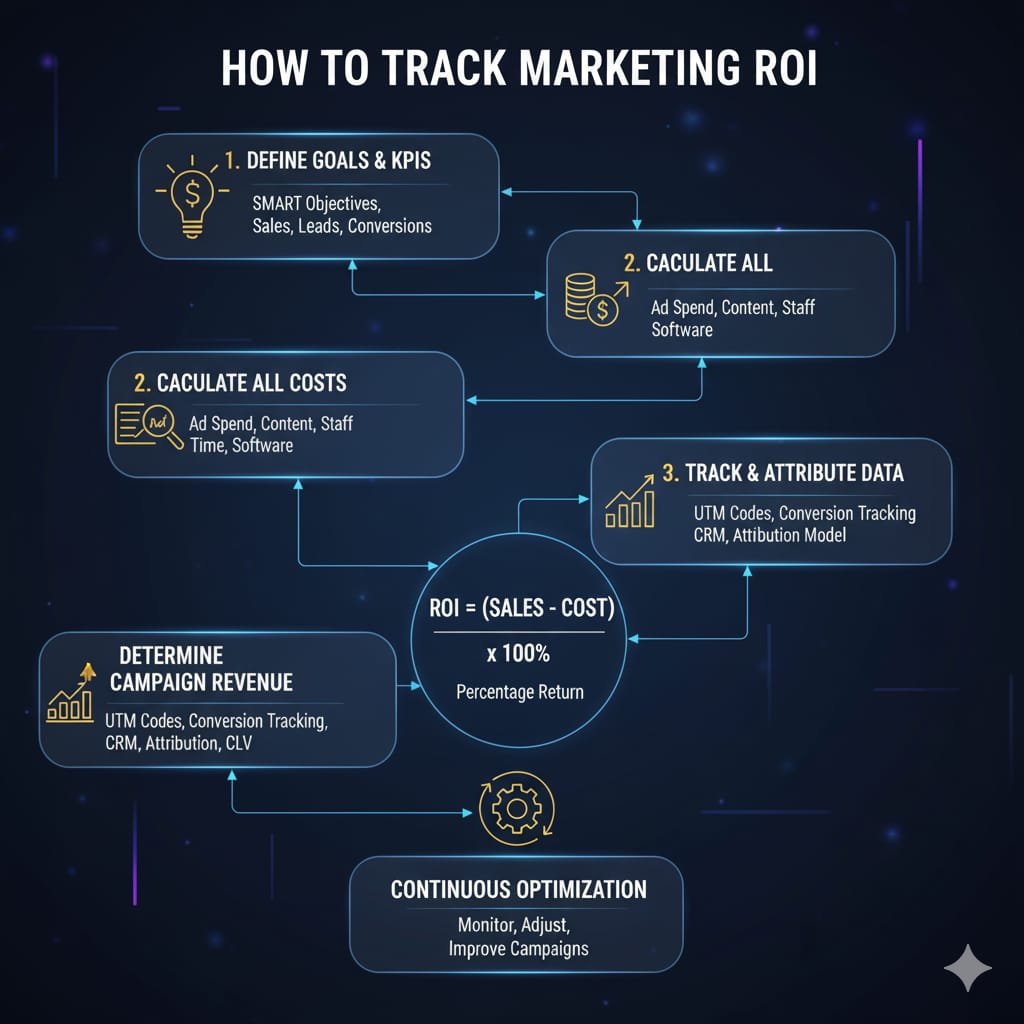
How to Track ROI in Your Marketing Campaigns.
Case Context
Measuring ROI turns marketing from guesswork into business decisions. For small teams, a simple, accurate ROI process prevents wasted spend and highlights what to scale.
Who this is for
Founders, small marketing teams, performance marketers, anyone who wants to justify marketing spend.
Key Concepts & Metrics (definitions)
Revenue (from campaign): Money attributable to the campaign (ecommerce sales, contract value).
Total Cost: Ad spend + creative production + agency fees + tools (all associated costs).
ROI (%) formula:
ROI(%)=(Revenue−CostCost)×100ROI(\%) = \left(\frac{Revenue – Cost}{Cost}\right) \times 100ROI(%)=(CostRevenue−Cost)×100ROAS (Return on Ad Spend):
ROAS=RevenueAd SpendROAS = \frac{Revenue}{Ad\ Spend}ROAS=Ad SpendRevenueCAC (Customer Acquisition Cost): Total cost to acquire one customer.
LTV (Lifetime Value): Average revenue a customer brings over their relationship with you.
Step-by-Step Tracking Process
1. Define the conversion and its value
E-commerce: use purchase revenue.
Lead-gen: assign a monetary value (e.g., average deal value × close rate).
Example: If 100 leads → 10 customers and avg sale = ₹2,000, then estimated revenue per lead = (10 × 2,000) / 100 = ₹200.
2. Set up tracking infrastructure
Use UTMs for every campaign link (
utm_source,utm_medium,utm_campaign).Install GA4, Meta pixel, Google Ads conversion tracking, and tag manager.
Test conversion events before launch.
3. Centralize data
Pull campaign-level data into a dashboard (Looker Studio or a Google Sheet).
Key columns: Channel, Campaign, Spend, Clicks, Conversions, Revenue.
4. Choose attribution model
Last-click is simple but undercounts assisted touchpoints.
For accuracy, consider time-decay or data-driven models as data volume grows.
5. Calculate ROI & ROAS
Example calculation (digit-by-digit clarity):
Ad spend = ₹50,000
Creative & production = ₹15,000
Total Cost = ₹65,000
Revenue attributed = ₹200,000
Revenue − Cost = ₹200,000 − ₹65,000 = ₹135,000
ROI = (135,000 / 65,000) × 100 → first divide 135,000 by 65,000 = 2.0769230769 → ×100 = 207.69230769% → round to 207.69%
ROAS = 200,000 / 50,000 = 4.0 (₹4 revenue per ₹1 ad spend)
6. Segment by channel & campaign
Compare Google Search vs Facebook vs Email.
Use UTMs to attribute conversions to the correct source.
7. Account for LTV in strategic decisions
If your LTV is ₹5,000 and CAC is ₹1,500, LTV:CAC = 3.33 which is healthy.
Use LTV to justify investment in channels with higher CAC but better retention.
8. Report & iterate
Weekly: Top-level spend, conversions, CPA.
Monthly: ROI, channel performance, LTV changes.
Use learnings to reallocate budget to higher-ROAS campaigns.
Common Pitfalls & Fixes
Missing UTMs → inconsistent attribution. Fix: require UTM use in every campaign.
Ignoring production costs → underreports real cost. Fix: include all creative and agency fees.
Relying on last-click only → undervalues upper-funnel channels. Fix: use multi-touch insights as data grows.
Poor tracking setup → false positives/negatives. Fix: audit pixels and test events.
Tools to Help
GA4 + Google Tag Manager — event tracking.
Google Ads / Meta Ads manager — channel metrics & conversions.
Looker Studio — consolidated dashboards.
CRM (HubSpot) — tie leads to revenue for LTV calculations.
Conclusion
Accurate ROI tracking combines solid tracking setup, clear attribution rules, full cost accounting, and LTV awareness. Start simple: UTMs + GA4 + basic dashboard. As data quality improves, move towards more advanced attribution and LTV-driven decisions to scale what truly grows your business.
.